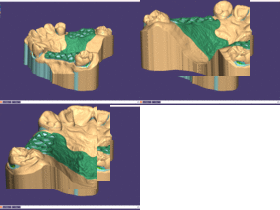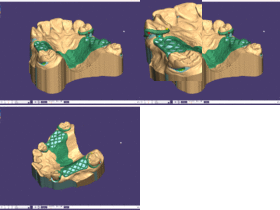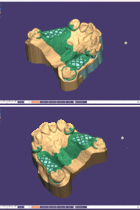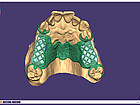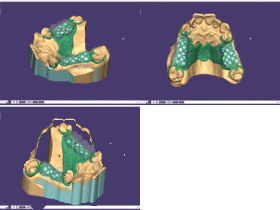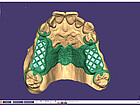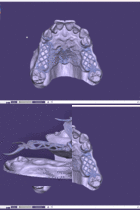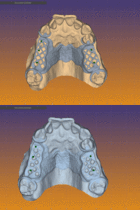
partialcad key visual

PartialCAD

DentalCAD Add-on Module
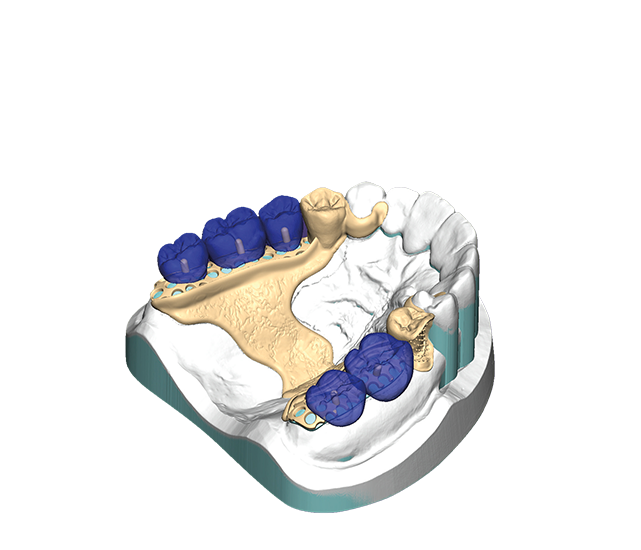
Design removable partial denture frameworks

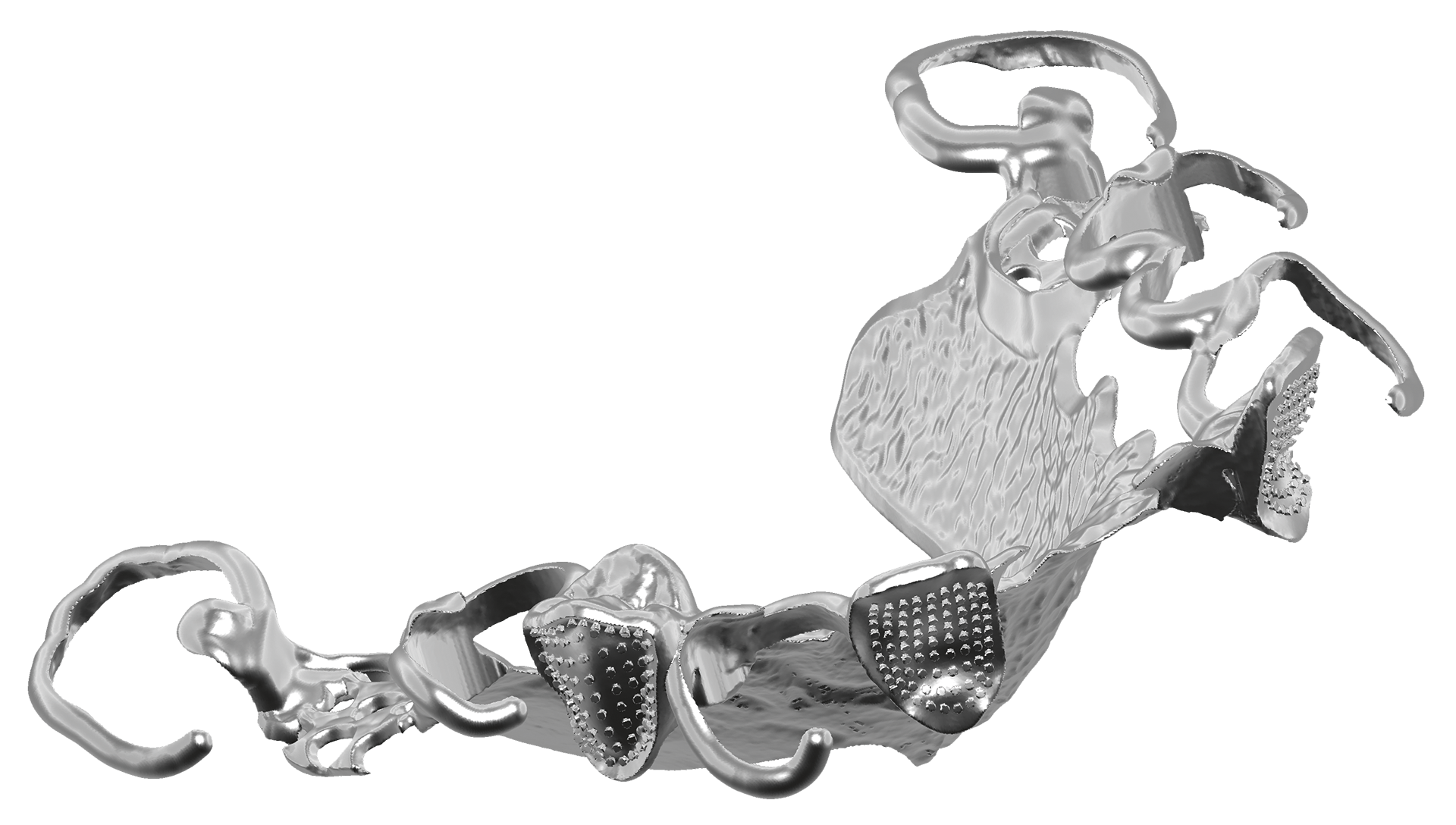
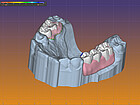
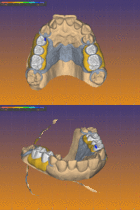
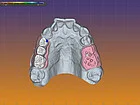
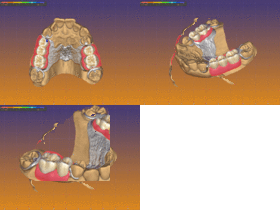
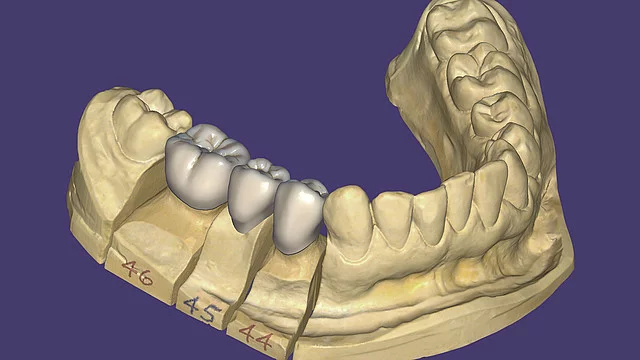
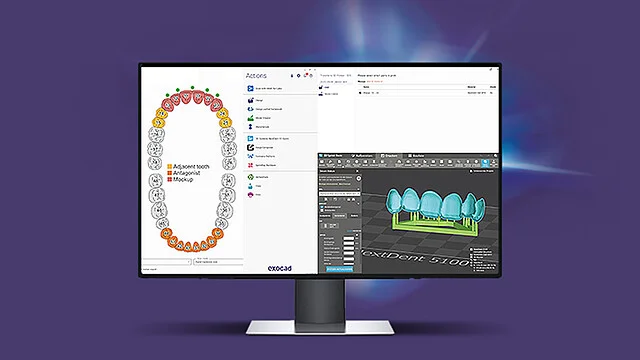
The partial framework module PartialCAD provides you with a digital solution for designing high-quality removable partial denture ­frameworks.

Apply advanced design and customization features for meshes, major connectors, clasps, lingual aprons and finish lines. Enjoy the highest design flexibility offered by PartialCAD’s extensive features and functionality for l-bar retainers, post design with retention and auto-relief for optimal fit. With this module, you can combine partial frameworks with crown and bridge design elements and create support bars for printing. In addition, partial framework customizations with logos and text are possible.
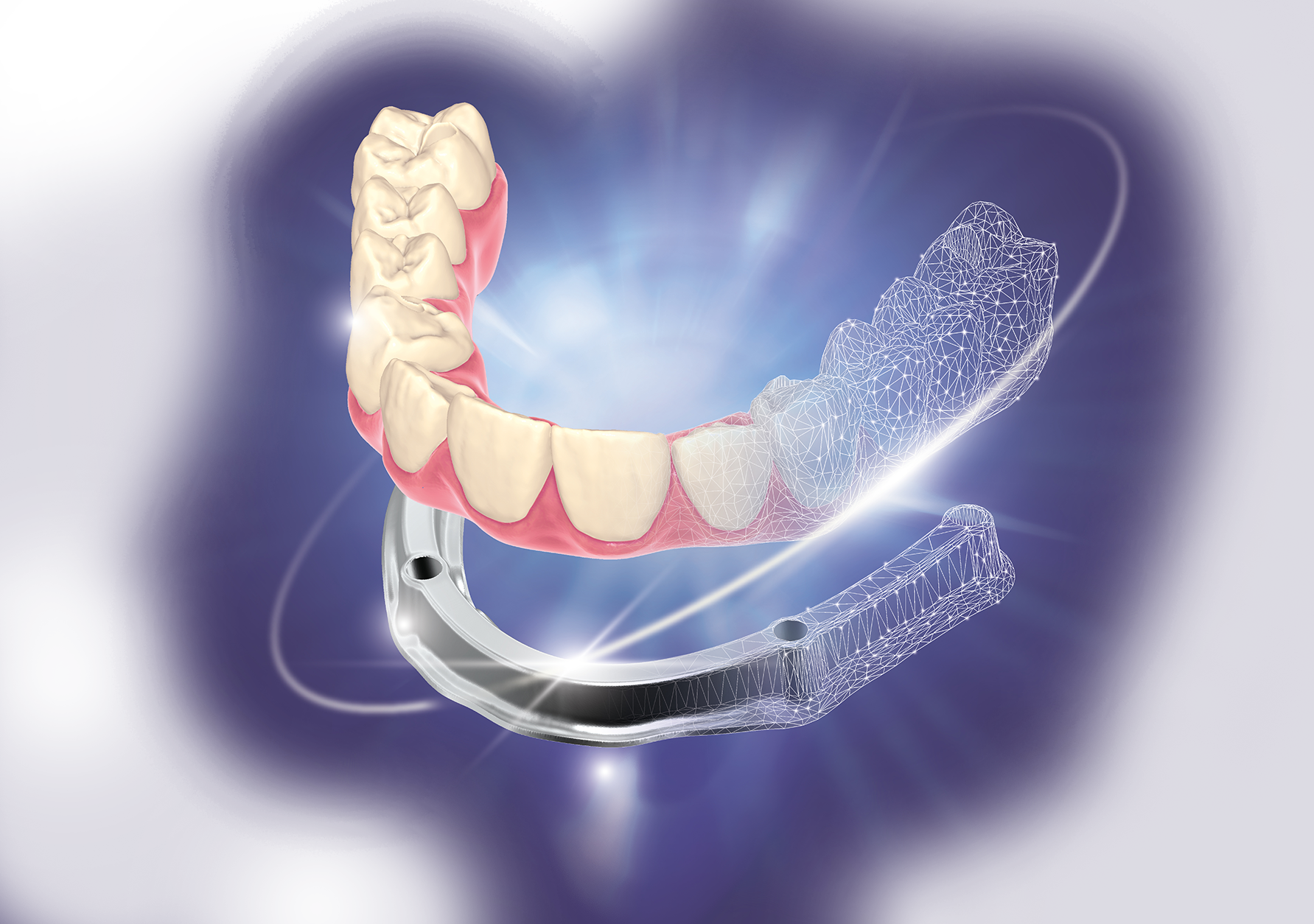
 

PartialCAD 3.3 Chemnitz

See how you can do the splits

Find out more


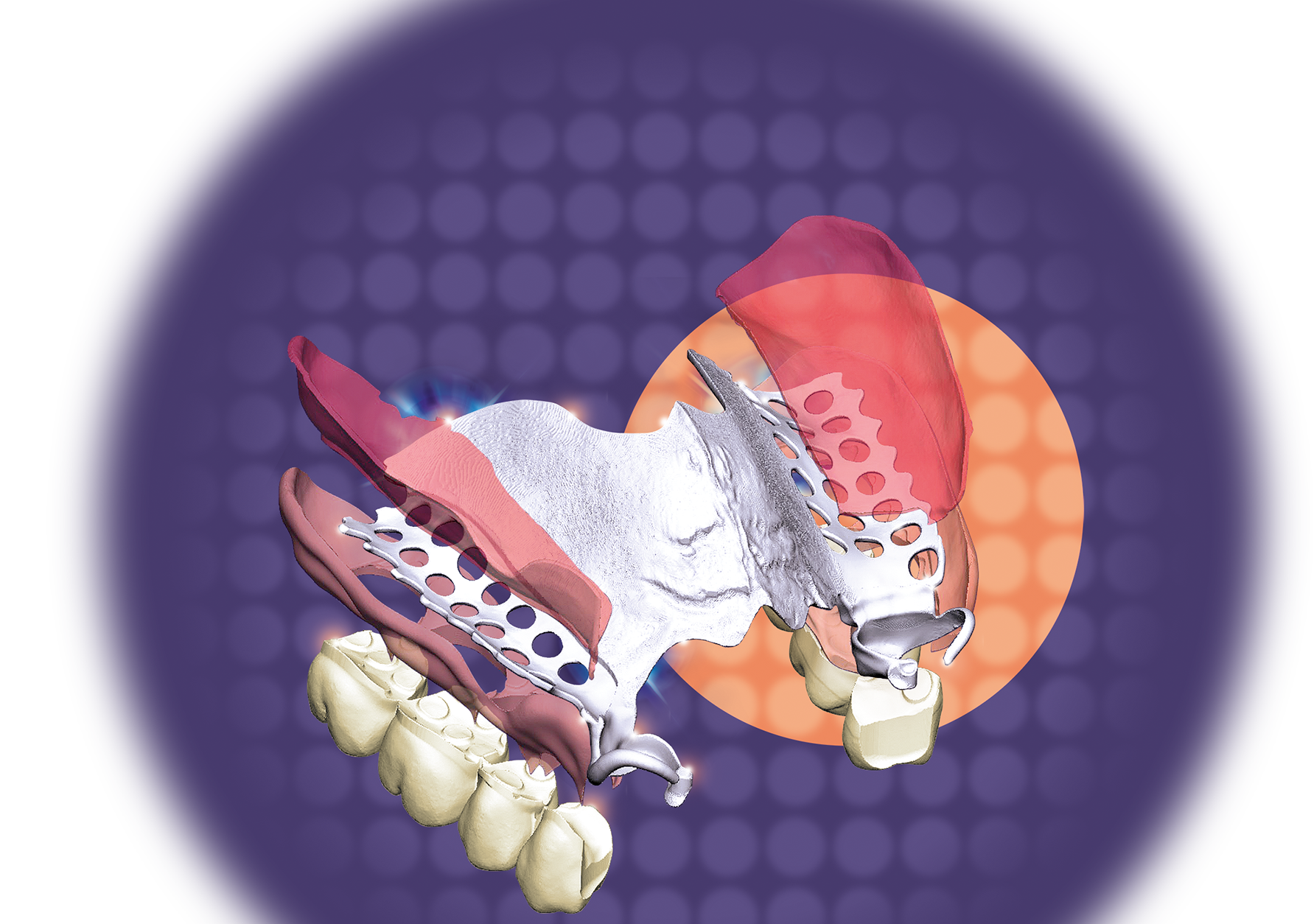
PartialCAD 3.2 Elefsina

More design flexibility for partial dentures

Find out more

Outstanding design flexibility

Our goal: everything that can be made in wax can also be designed using our software. As a consequence, PartialCAD provides unparalleled design freedom that will exceed the expectations of even the most demanding experts in partial design.

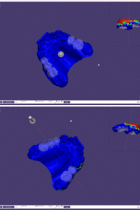
Step 1 | Survey – We determine the insertion direction by view
Step 2 | Edit blockout – Any excess blockout material is removed to make space for clasps
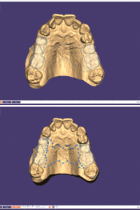
Step 3 | Draw connector and mesh – We draw separate lines for the retention mesh and the major connector
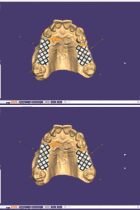
Step 4 | Apply mesh connector–mesh – Selecting the mesh pattern and adjusting the orientation, apply mesh connector – major connector, selecting the connector pattern, and setting up base parameters
Step 5 | Draw clasp curves
Step 6 | Apply clasp – Choose a clasp type and apply the clasp
Step 7 | Fill in wax – Use clone tool to connect the wax parts
Step 8 | Draw finish line curves
Step 9 | Apply finish line – Adjust the angulation of the finish line, and its parameters
Step 10 | Edit wax – Use smoothing tools to even out the surface of the partial framework
Step 11 | Build – All parts are being merged into one watertight output file
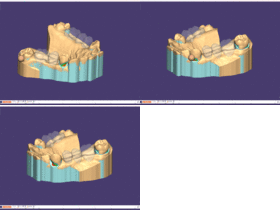
Step 12 | DentalCAD step: virtual waxup bottom – Determine insertion direction for an overall blockout (include partial framework)
Step 13 | Gingiva base design – Draw a single or several curves to create the gingiva sattle
Step 14 | Free-form gingiva design – Free-form the gingiva parts to your liking
Step 15 | Adapt tooth pocket – The gingiva adapts to the base of the teeth
Sep 16 | Step merge and save restorations – All parts are being merged

License models according to your needs

You can choose between Perpetual License with optional upgrade contract or the subscription-based Flex License with significantly lower initial cost, and full access to all upgrades. Is your DentalCAD Perpetual License out of date? Get the latest version via our new Refresh Program!

 About license models  |  About upgrade possibilities


How to purchase exocad software

exocad does not sell directly but partners with many system integrators. For product support, offers or more information please contact one of our partners.

Please note: ChairsideCAD and exoplan are certified as Medical Devices for distribution in selected countries only. For further details please contact your reseller.
Find your partner

Freedom of choice for dental experts

With DentalCAD, the choice is yours: Easily and seamlessly integrate our powerful dental CAD software solution with all exocad products and modules in one seamless digital workflow. Exceptional usability, performance and flexibility are guaranteed. Thanks to its open and vendor-neutral software architecture, you can use DentalCAD with your existing equipment, such as any open scanner, 3D printer or milling machine. With DentalCAD, you control the desired workflows. Expand your portfolio with our wide range of add-on modules and improve collaboration with clients and service providers alike – for reliable results that are cost- and time-efficient.

Learn more about our products

Gain further insights on YouTube

Visit us on YouTube! On our channel, you'll find stunning technology, useful video tutorials and informative quick guides to help you handle our products most effectively.

Visit our YouTube Channel

Our products

Why choose exocad?

  • Faster workflows, improved proficiency

  • It’s easy to use and to reach your high expectations

  • Flexibility as you require it

  • Reliability you can trust

  • Independent & innovative

  • Truly future-proof